
Import Flow
If you’ve already got an LLM Controls JSON file, import it into LLM Controls by clicking on the project name and choosing Import Flow.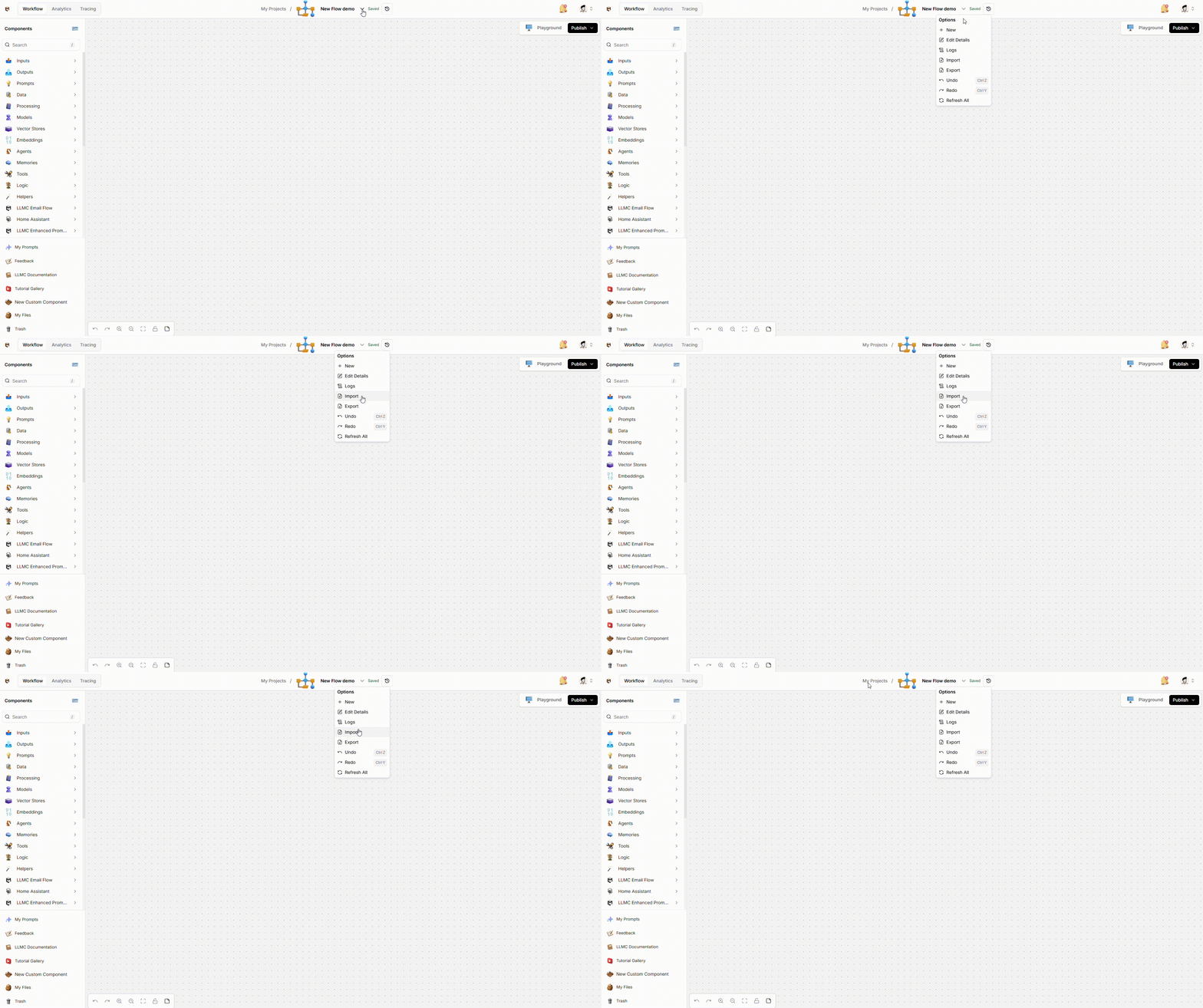
Export Flow
The option to export a flow is available in the same menu as shown above. Once exported as JSON, you can import your flow into another LLM Controls instance.LLM Controls JSON file contents
LLM Controls JSON files contain nodes and edges that describe components and connections, and additional metadata that describes the flow.Nodes
Nodes represent the components that make up the flow. TheChatInput node is the entry point of the flow. It’s the first node that will be executed.
ChatInput-jFwUm is a unique identifier for the node.
Edges
Edges represent the connections between nodes. The connection between theChatInput node and the OpenAIModel node is represented as an edge:
This edge shows that the ChatInput component outputs a Message type to the target node, which is the OpenAIModel node. The OpenAIModel component accepts the Message type at the input_value field.
Additional metadata and project information
Additional information about the flow is stored in the rootdata object.
- Metadata and project information, including the name, description, and
last_tested_versionof the flow. - Visual information about the flow defines the initial position of the flow in the workspace.
Notes are like comments to help you understand the flow within the workspace. They may contain links, code snippets, and other information. Notes are written in Markdown and stored as
node objects.